All image editing ideas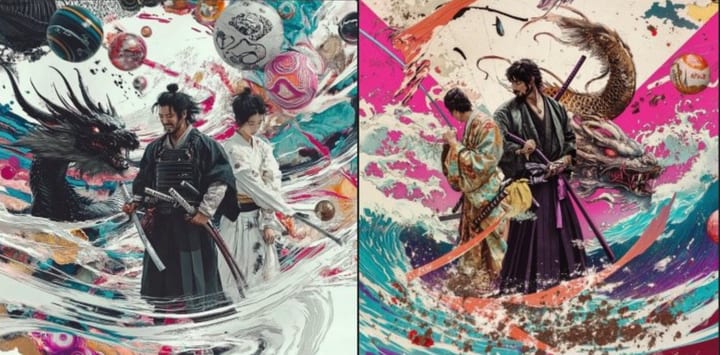 Before
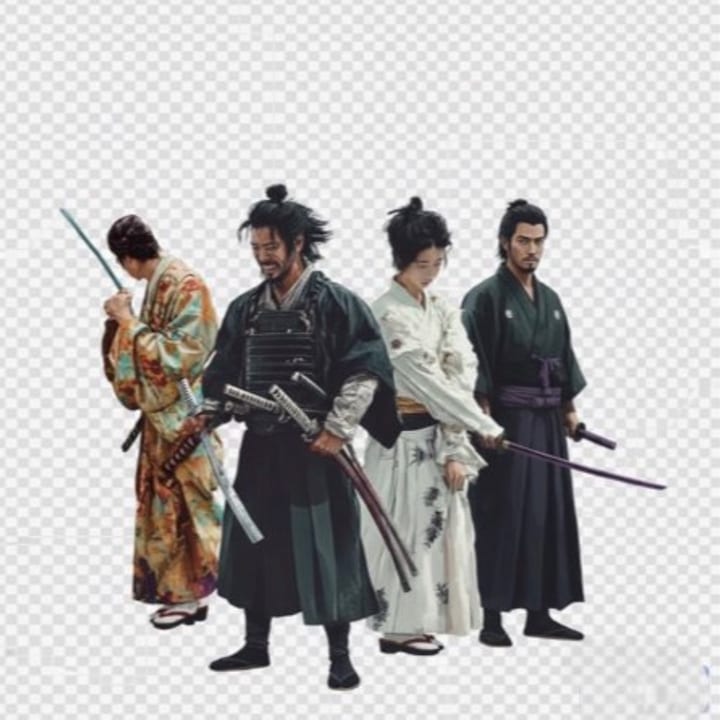 After
After
ComposeTrending now
Cutout / remove BG
Extract the subject onto a transparent background
BeforeAfterCopyable edit prompt
Use this as the editing instruction after uploading your photo.
Extract the main subject and place it on a transparent background, with clean crisp edges.
Start editingHow to use this idea
- Upload the photo you want to edit in the generator.
- Paste this prompt, then keep or adjust the details for your subject.
- Generate, compare the before/after result, and refine with a shorter follow-up prompt if needed.