Social tip carousel slide
Make a swipeable carousel slide that looks designed, not default.

Original recipe · oimg.ai team · Jun 19, 2026
Original example prompt authored by the oimg.ai team — free to copy and adapt.
- Model
- Nano
- Aspect ratio
- 1:1
- श्रेणी
- UI और सोशल मॉकअप
वेरिएबल बदलें
इमेज नहीं, स्ट्रक्चर अपनाएं। हर हाइलाइट किए गए {{TOKEN}} को अपने विषय से बदलें, फिर जेनरेट करें।
A single square social-carousel slide: the headline {{HEADLINE}} at the top, the supporting line {{SUBTEXT}} below, and a small {{INDICATOR}} in the corner. Use a calm {{COLOR}} two-tone background, generous margins, and one simple flat {{ICON}} anchoring the lower half. Keep the type consistent and the layout balanced. Render it as a clean social-media graphic with crisp text.
यह क्यों काम करता है
- A fixed headline-subtext-icon pattern keeps a multi-slide set visually consistent.
- Two-tone backgrounds and margins make slides feel designed, not templated.
- One icon per slide anchors attention without clutter.
अपना खुद का वर्शन बनाएं
- 1प्रॉम्प्ट कॉपी करें
- 2अपना विषय और विवरण डालें
- 3जेनरेट करें
इन बातों का ध्यान रखें
- Different fonts or colors per slide break the set; lock the system.
मिलती-जुलती रेसिपी
View all prompts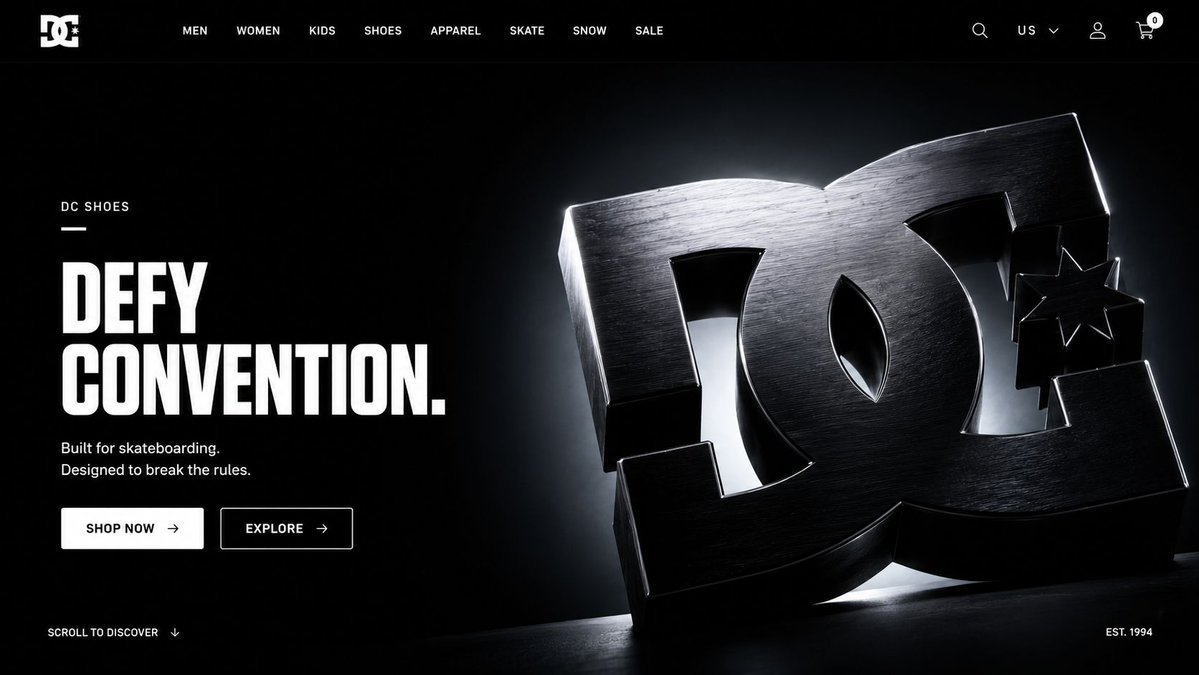 GPT Image 2
Hero page web design
Real prompt shared by @AmirMushich on X
 GPT Image 2
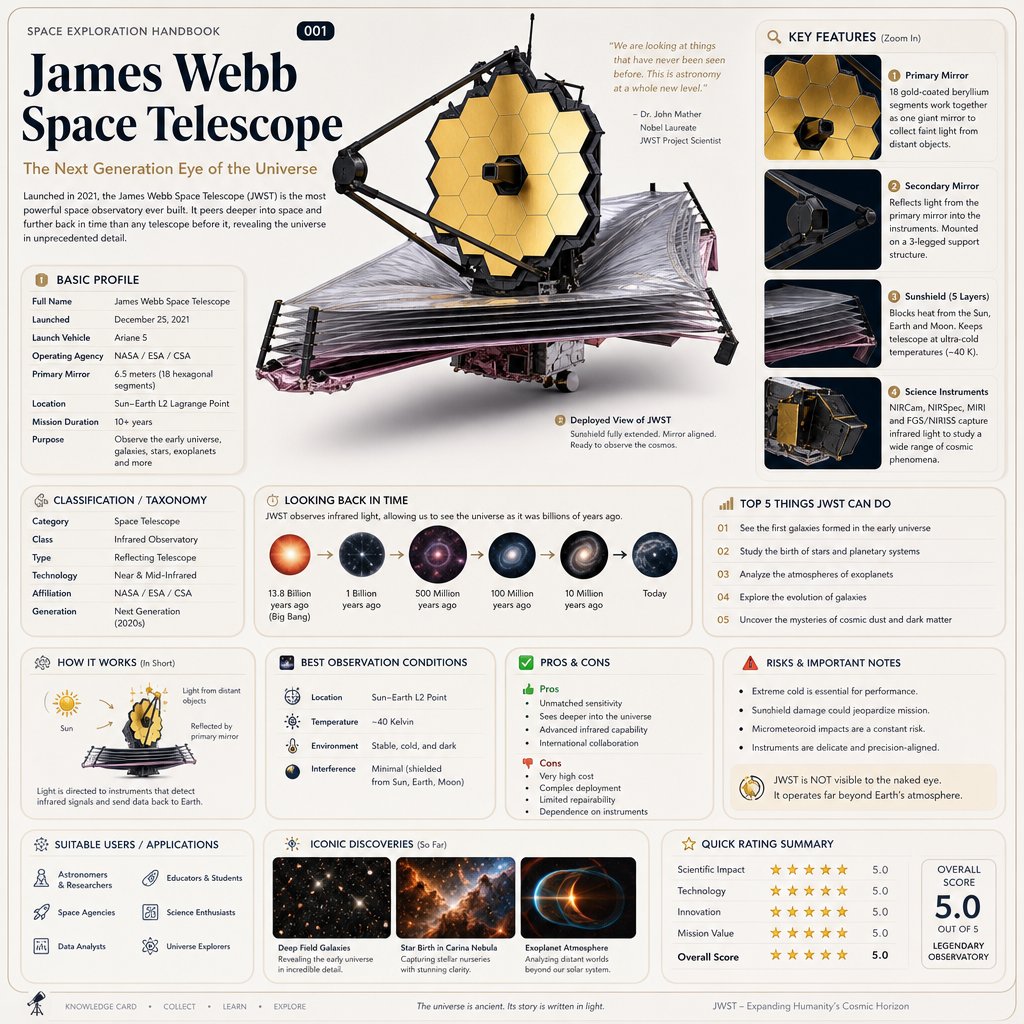
Gpt images 2
Real prompt shared by @RizwanAly07 on X
 GPT Image 2
Based on { TOPIC }
Real prompt shared by @oggii_0 on X
 gpt-image-2
App screen on device mockup
Present a clean app screen on a floating device mockup.
 GPT Image 2
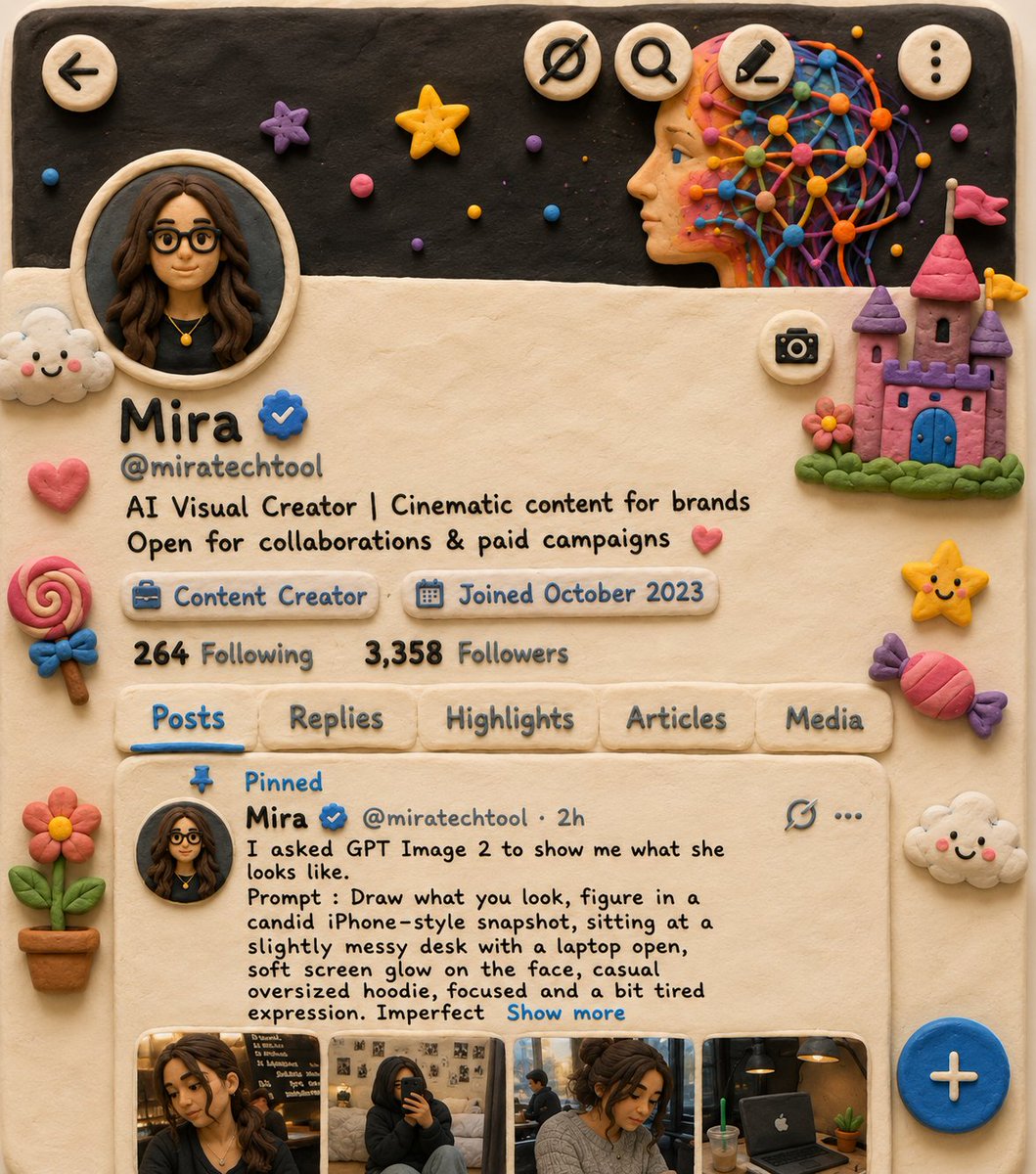
Recreate the scene as a cozy claymation-style world made fro
Real prompt shared by @miratechtool on X
 GPT Image 2
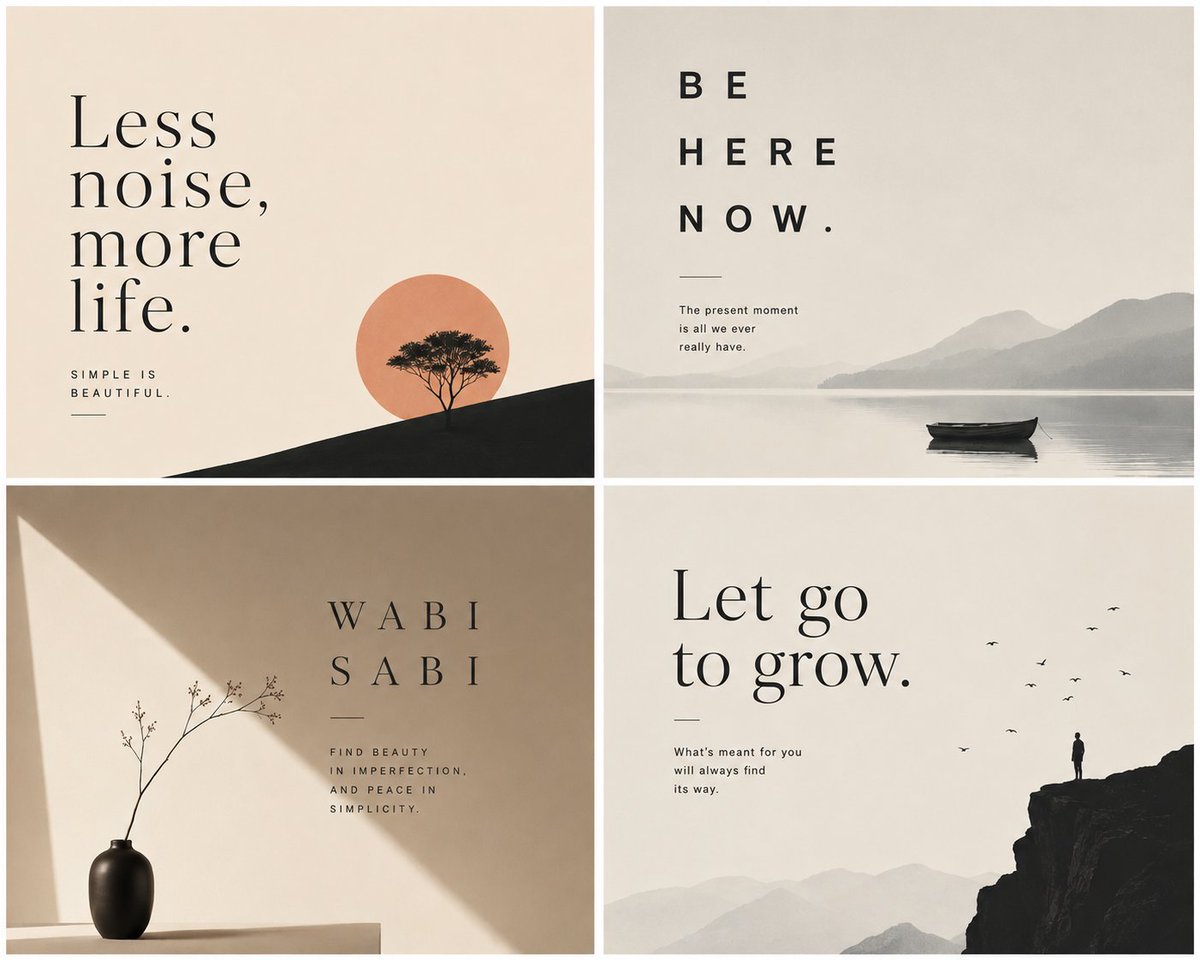
This prompt guides Chat GPT to produce balanced compositions
Real prompt shared by @Aiwithkami on X
 GPT Image 2
There are some really cool things you can do with the world
Real prompt shared by @venturetwins on X
 GPT Image 2
This prompt guides Midjourney to produce balanced compositio
Real prompt shared by @Aiwithkami on X